 PocketGuacGet the app
APACHE GUACAMOLE CLIENT FOR ANDROID
Apache Guacamole,
in your pocket.
A native Android app for the Apache Guacamole server you already run. Connect to VNC, RDP, and SSH sessions, sync your clipboard, move files, and hear remote audio, all from one app, without a browser tab or bundled web client left open in between.
PocketGuac is a companion app for Apache Guacamole and does not work by itself.
SEE IT IN ACTION
Watch a quick video walkthrough.
Video walkthrough coming soon
Drop a demo.mp4 (and optional poster.jpg) into /public/demo — this section picks it up automatically.WHAT IS POCKETGUAC
Apache Guacamole, without the browser.
PocketGuac connects straight to your existing Apache Guacamole server's REST API, and for the actual remote-display session it speaks the Guacamole wire protocol itself over a WebSocket tunnel. No embedded browser, no WebView loading the bundled web client, no relay or cloud account in between, it's your servers, your connections, your sessions, just built for your Android phone instead of a browser window.
WHY IT EXISTS
A real client, not a browser wrapper.
Managing a VNC or RDP session from a phone browser means pinch-zooming the bundled web client and fighting mobile browsers for every tap. PocketGuac isn't a WebView wrapper, it's a from-scratch Kotlin implementation of the Guacamole protocol, instruction parsing, layer/buffer compositing, image stream decoding, rendered onto a native Compose Canvas, with trackpad-style touch input built for a phone screen instead of a mouse.
WHAT TO KNOW
A couple quick notes.
- Requires an Apache Guacamole server to connect to (not a standalone app).
- Needs a network path to that server: local Wi-Fi, VPN, or a reverse proxy.
- No ads, no analytics, no extra account to create.
Saved Server List
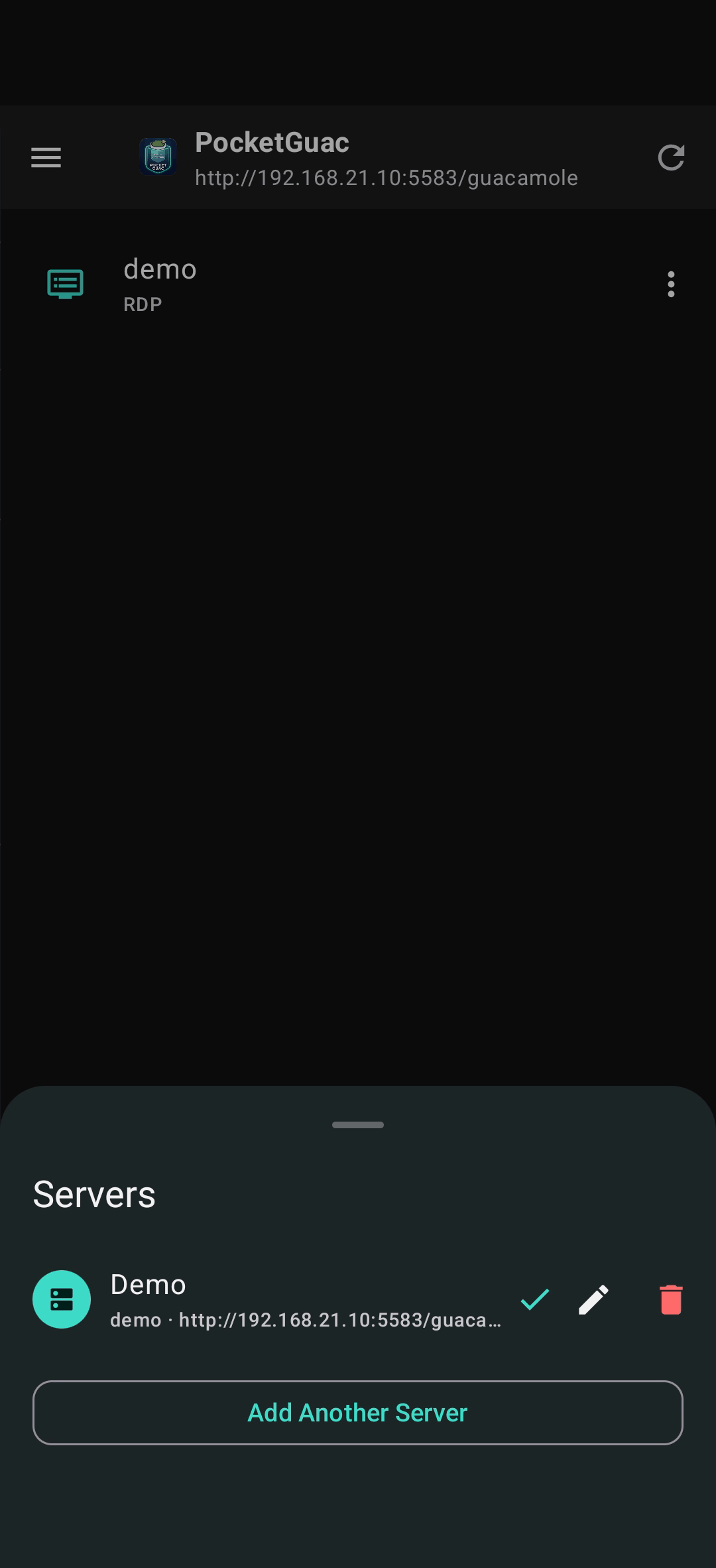
Add a server once and PocketGuac reconnects automatically. Credentials are stored in EncryptedSharedPreferences, which is backed by the Android Keystore.
Session-token reuse
PocketGuac saves your session token so that later logins skips a redundant TOTP recheck. If your token expires, PocketGuac fails back to a normal login.
Automatic TOTP (2FA)
Paste a OTP seed once and PocketGuac generates fresh 6-digit codes itself instead of asking every time.
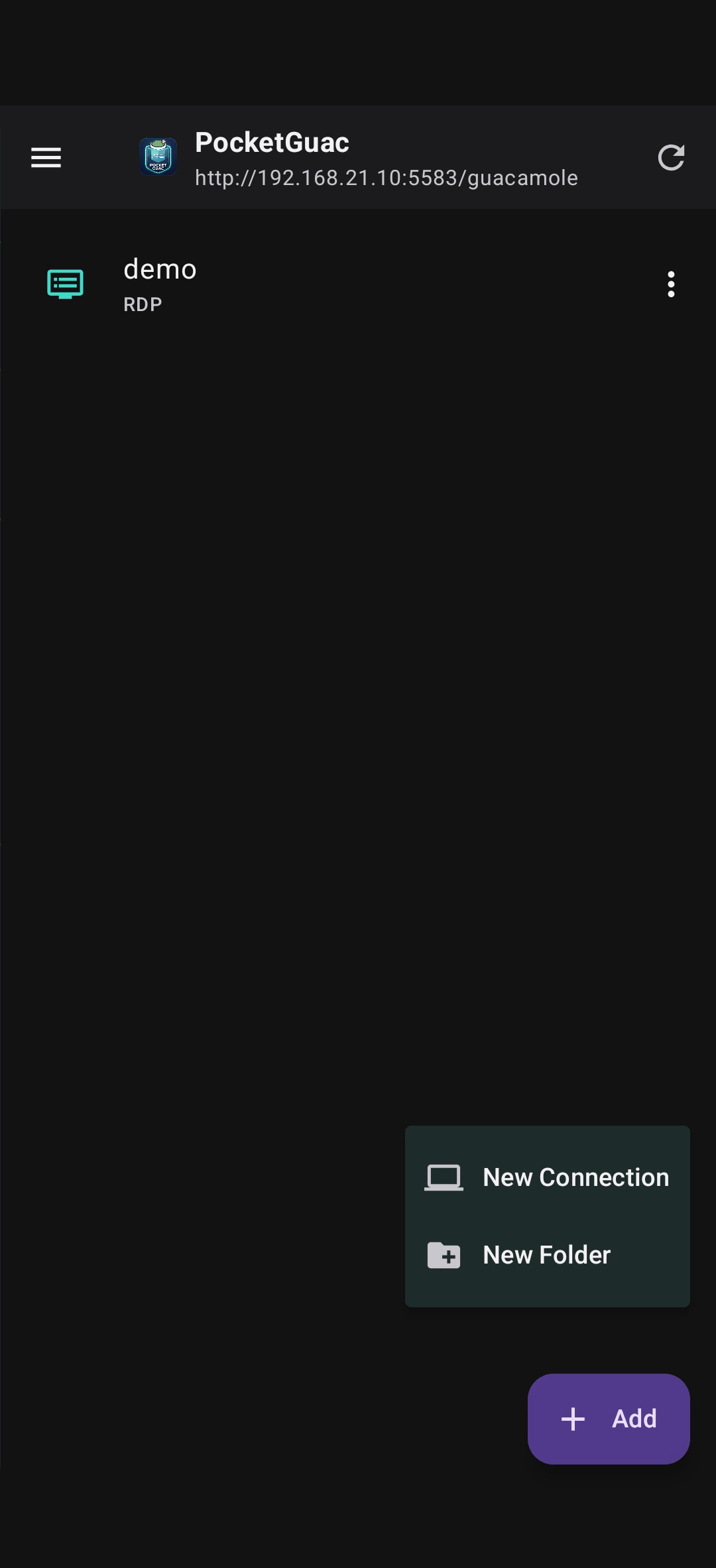
Remote desktop (VNC/RDP/SSH)
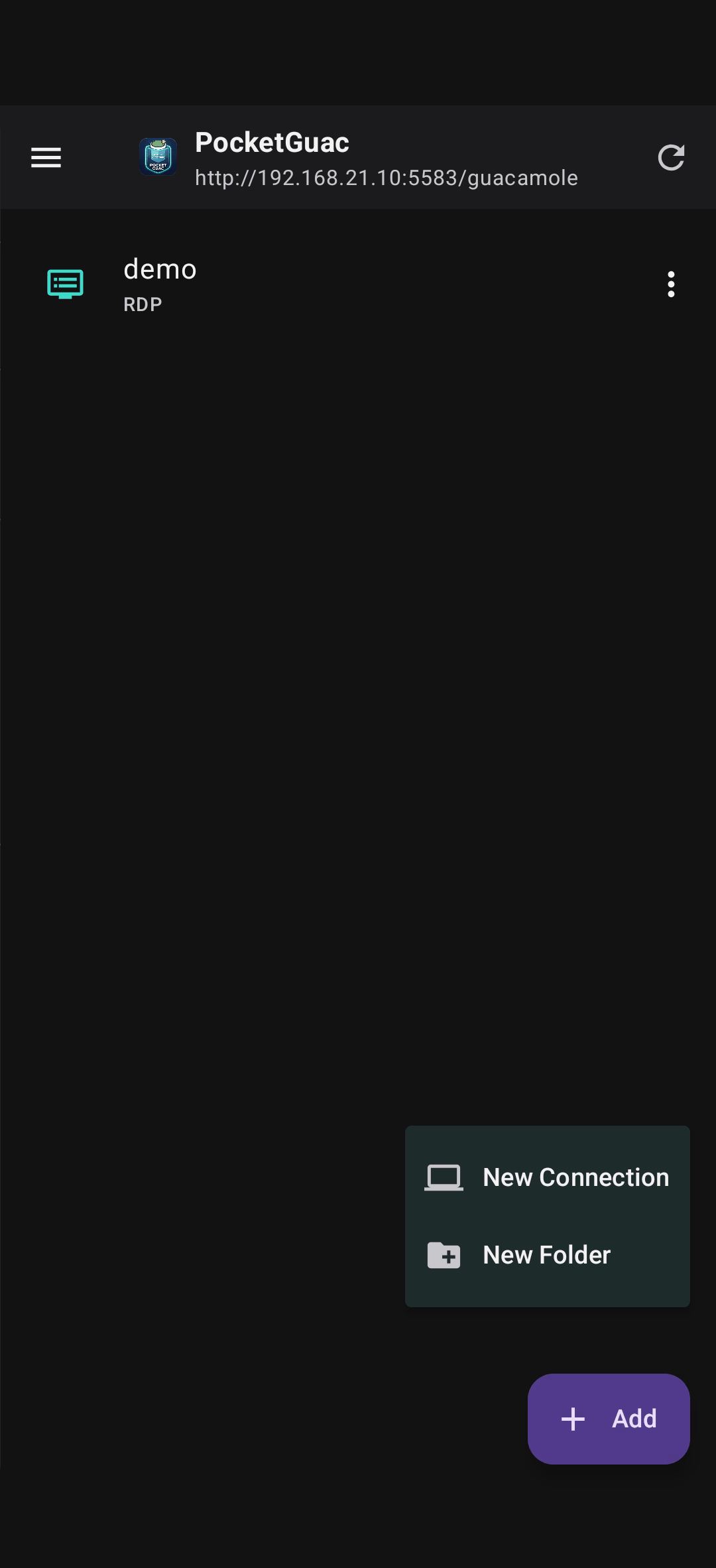
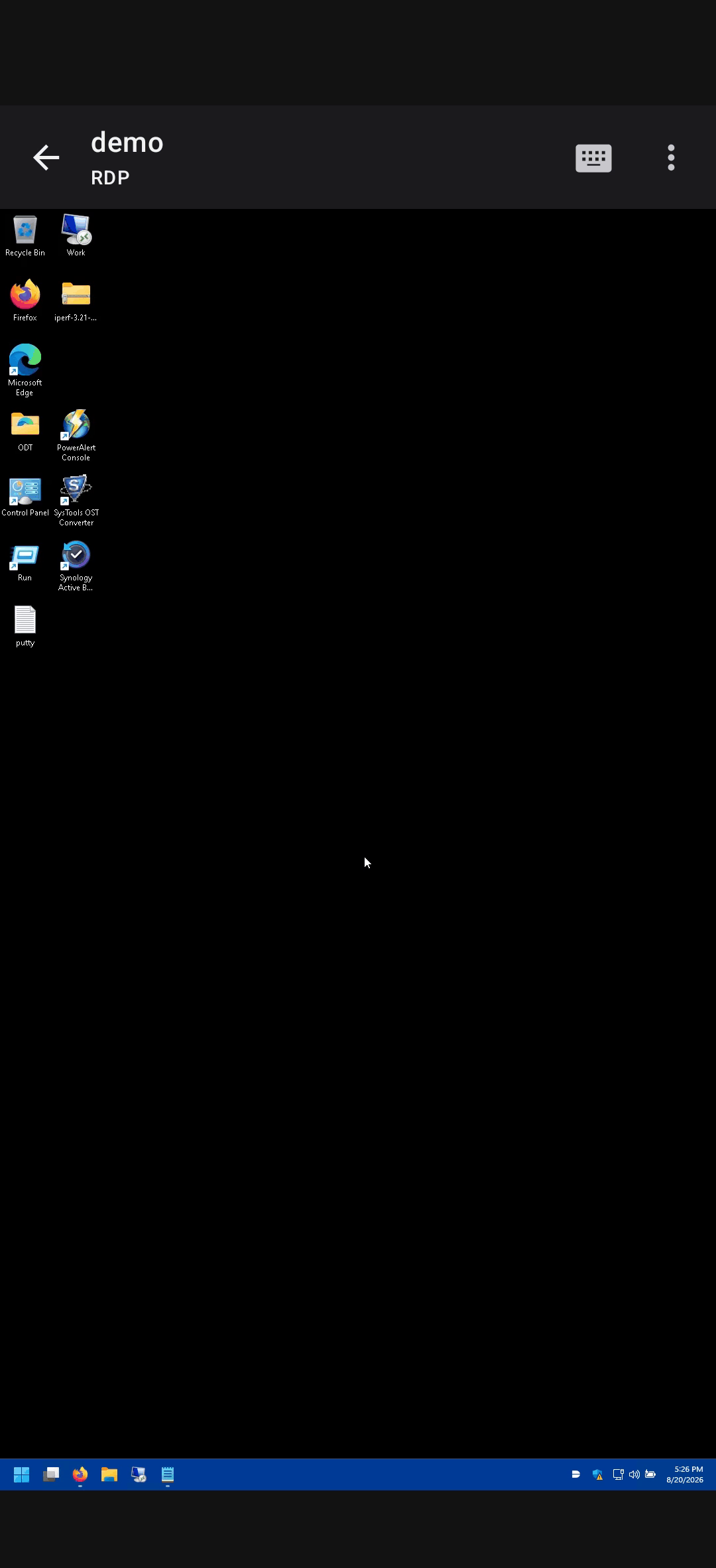
A live, trackpad-style viewer: drag to move the cursor, tap to click, press-and-hold to drag, two-finger tap to right-click, pinch to zoom and pan.
Clipboard sync
Copy on the remote session and it lands in Android’s clipboard, and vice versa, over the protocol’s own clipboard stream.
Audio playback
Real-time playback of RDP audio redirection and other audio streams, straight through the device speaker.
File transfer
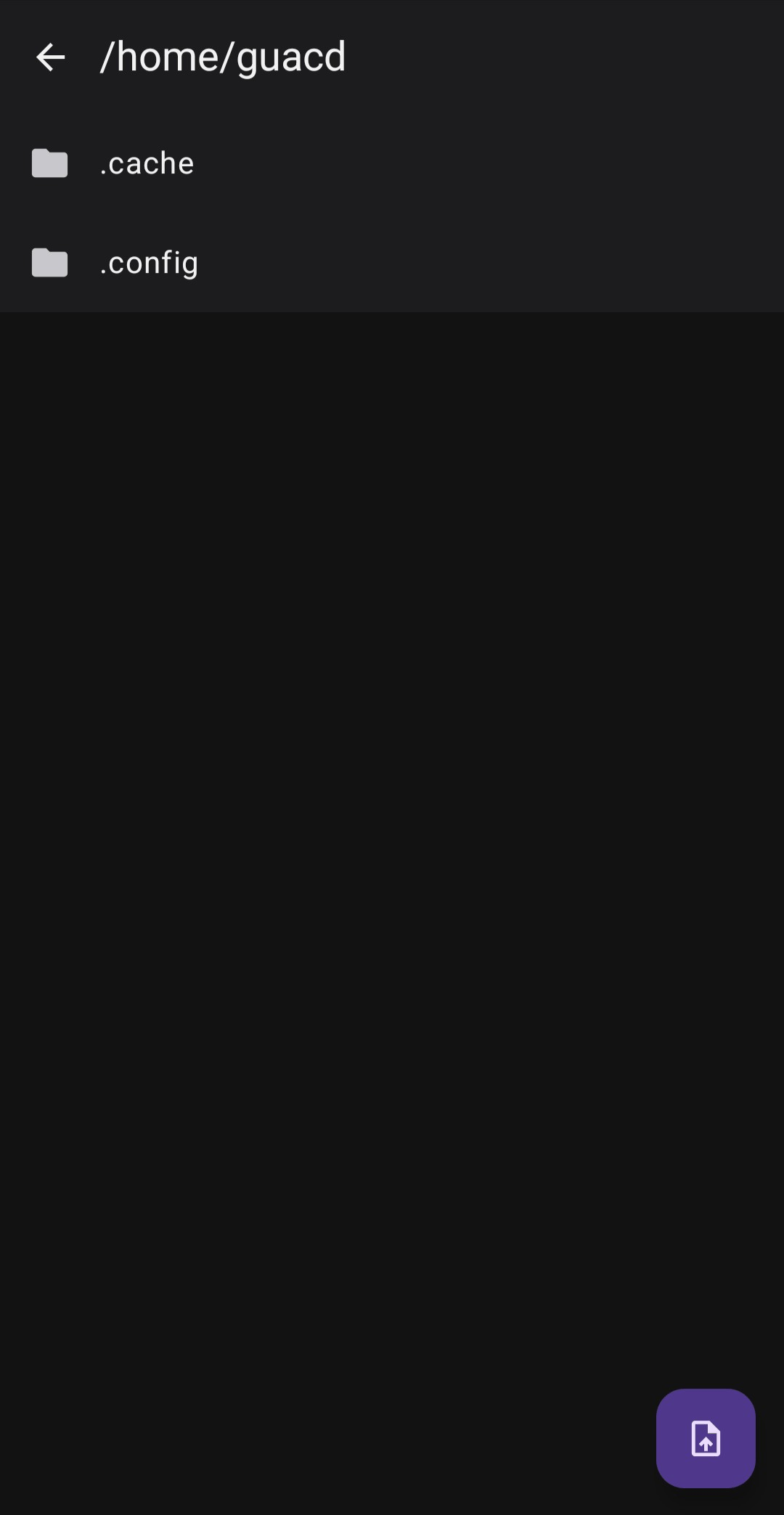
Browse, download, and upload against any filesystem the session exposes — an SFTP root or a redirected drive — via the Storage Access Framework.
Connection groups
Tap a folder to drill into its own sub-groups and connections, to whatever depth your server’s group tree actually has.
Custom key combos
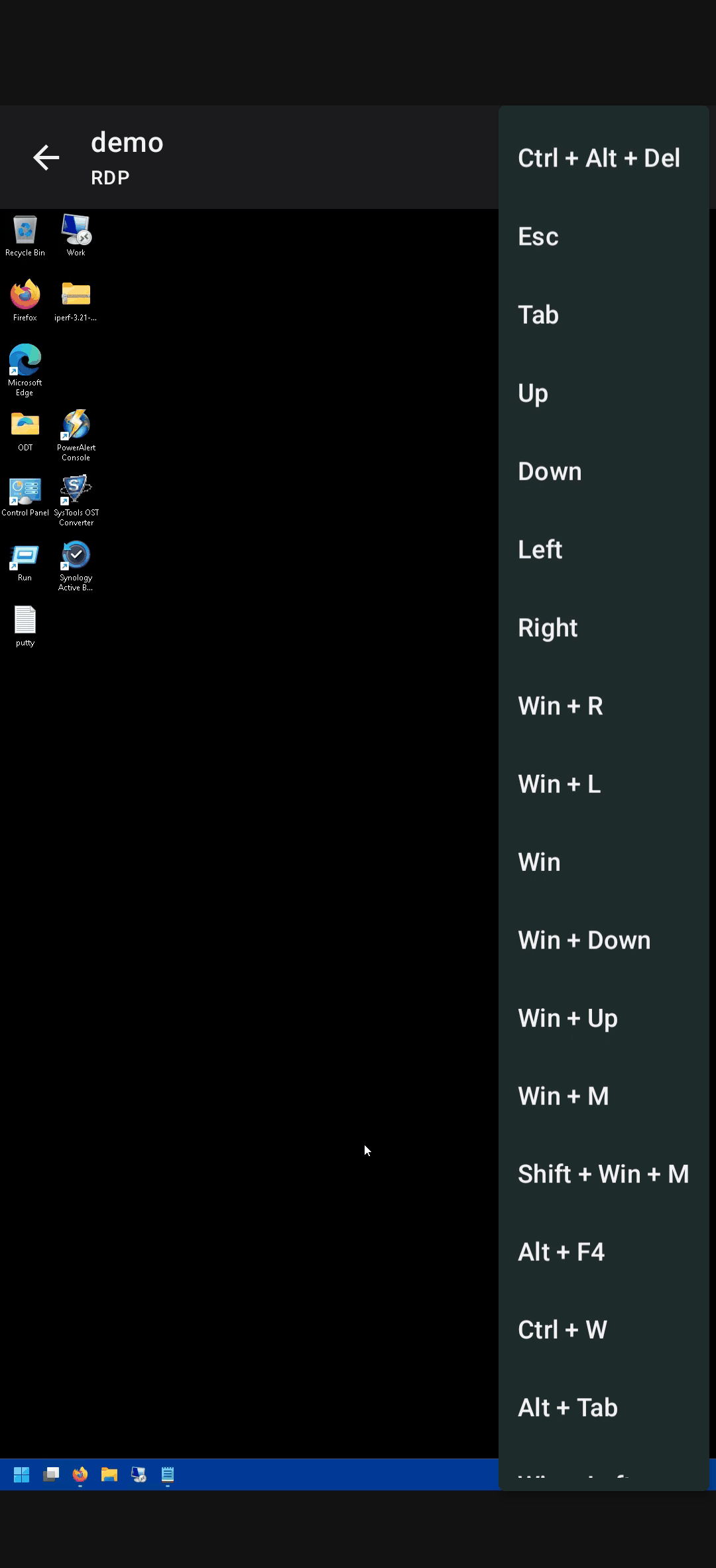
Build and save your own chorded key sequences from an on-screen key list — they show up right in the Send Key Combo menu.
Biometric app lock
An optional fingerprint or face check before the app uses any saved server’s credentials to auto-connect.
Backup & Restore
Manual JSON export/import of saved servers, plus an optional scheduled backup that writes a timestamped file on its own.
In-app diagnostics
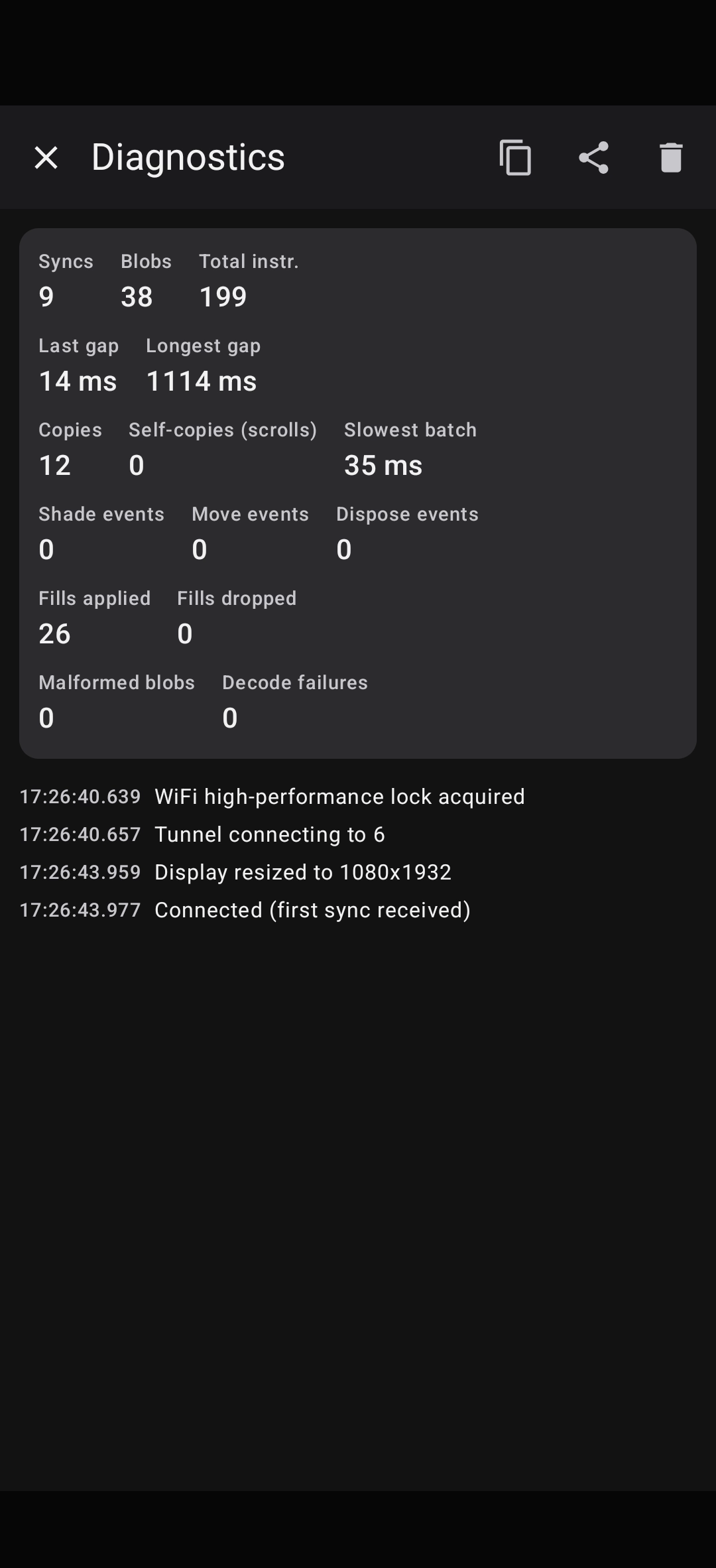
A rolling log and live counters — syncs, blobs, decode failures, copy events — for chasing down a rendering glitch without adb.
SCREENSHOTS
A closer look
coming soon
coming soon
coming soon
coming soon
coming soon
coming soon
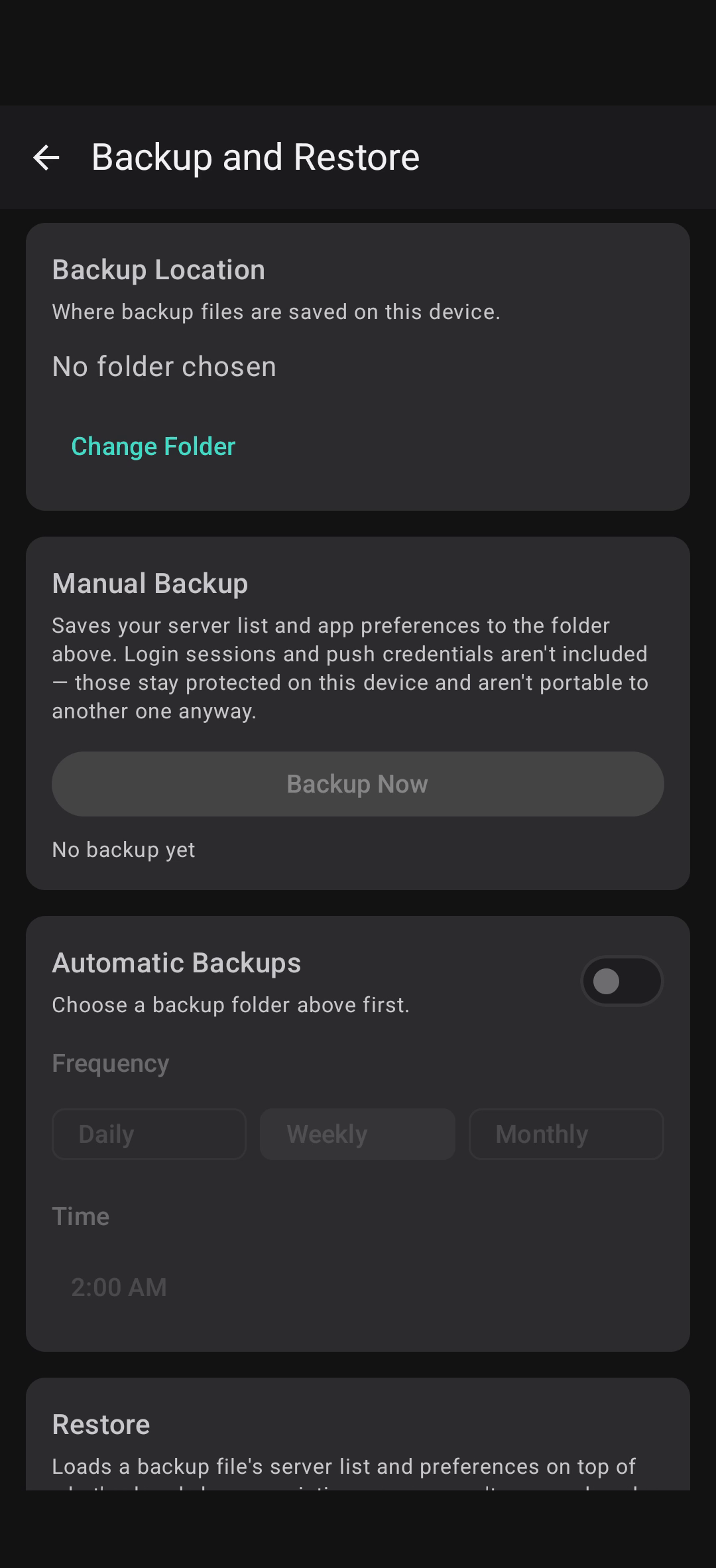
coming soon
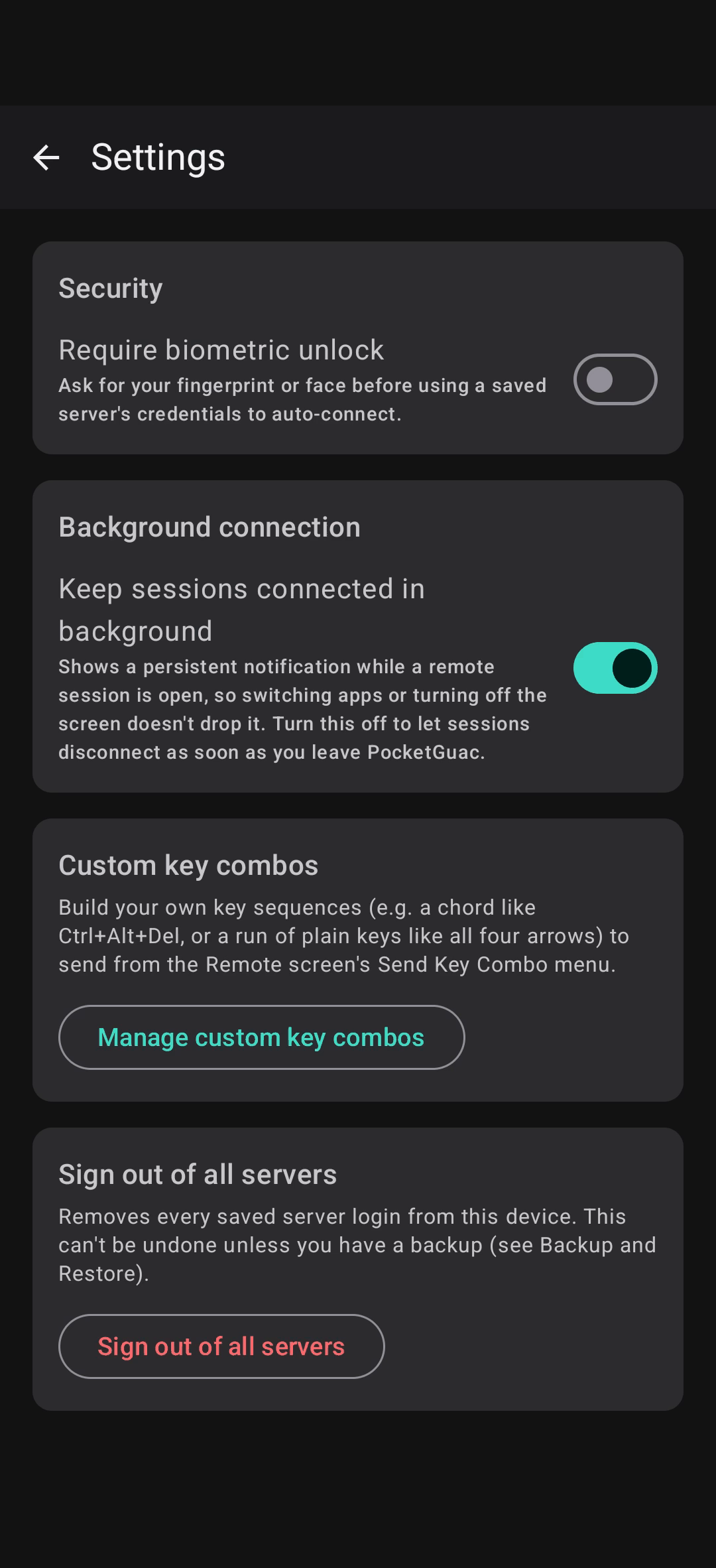
coming soon
FAQ
Common questions people ask.
Where does my data go?
Nowhere but your server. PocketGuac connects directly to the Apache Guacamole instance you point it at, over the same REST API and wire protocol its bundled web client uses, without a relay, cloud account, or third party in between.
Does it work if my server uses two-factor authentication?
Yes, for servers running the guacamole-auth-totp extension. PocketGuac handles the TOTP challenge at login, and after that, a reused, still-live session token skips the re-check on reconnect as a side effect of Guacamole’s own token handling. You can also save the account’s Base32 setup key and have the app generate fresh codes itself.
What about SSO accounts (SAML, etc.)?
Supported via embedded webview.
Is PocketGuac free?
Yes, PocketGuac is currently free.
Is PocketGuac open source?
No, PocketGuac is currently not open source, but may be in the future. Apache Guacamole itself, which PocketGuac connects to, is open source.
Can I connect to more than one server?
Yes. PocketGuac has a list of saved servers that you can add, edit, switch, and remove logins at will. Once saved, you can switch between them with one tap.
Which Guacamole versions are supported?
PocketGuac’s REST and tunnel integration, endpoint names, query parameters, wire-protocol opcodes, was traced from Apache Guacamole 1.6.0’s own source. It’s built and tested against recent Guacamole releases; older versions may work but aren’t guaranteed.
Can I create or edit connections from the app?
Yes. Not every field is called out, but if you know the key name, you can add it manually with the correct value.
Is PocketGuac "vibe coded"?
PocketGuac development uses AI responsibly. Please see the full AI disclosure at the bottom of this page.
Why is the app free? Where do you make your money?
I wrote PocketGuac for myself after feeling frustrated about the lack of options. I’m making it publicly available to all because without Apache Guacamole, this app wouldn’t exist, so it’s only right to follow Guacamole’s free model.
Will this app be released in the Google Play Store?
Developer accounts for the Google Play Store cost money and this app is free. If I released it in the Play Store, I would have to charge for the app to make back that money, which I do not want to do.
Would you be open to collaborating with someone else to release it in the Play Store?
Yes. Please email me (admin) to collaborate. This domain name is the second part of the address.
Will this app be released to F-Droid?
If the app becomes open source, I will release it to F-Droid.
How are my login credentials protected?
Whatever PocketGuac stores lives in EncryptedSharedPreferences (AES-256-GCM, key held in the Android Keystore). An optional app-wide biometric lock adds a fingerprint or face check before saved credentials are used to auto-connect.
What endpoints does the app communicate with?
PocketGuac only communicates with the Guacamole servers you have added and GitHub. Once every 12 hours, or if you hit the check now button, PocketGuac checks release versions to see if an update is available. Your data is not sent to GitHub — it just pulls the latest version number and compares it locally to the installed version.
DOWNLOADS & SUPPORT
Download the app today!
PocketGuac is hosted on GitHub.
Found a bug?
Open an issue on GitHub with your Guacamole server version, PocketGuac version, how you got to the bug, and what you saw.
Report an issue →AI USE DISCLOSURE
I understand the reservations surrounding AI-generated software. Relying on a tool to write code without fully understanding either the tool or the output is risky and many wish to avoid it. However, developer assistance tools like autocomplete or online reference platforms have been standard practice for years before AI came on the scene.
Both the PocketGuac app and website were developed with the help of AI coding assistants. Depending on the task, this assistance ranged from simple word completion to refactoring functions for modern best practices. Crucially, every line of code was individually reviewed, vetted, and thoroughly tested by me.
Finally, AI involvement is strictly confined to the build process: the PocketGuac application itself contains no embedded AI features or runtime models.